Unleashing the Garage's Network Potential: My Fiber Optic Adventure!
Ever dreamt of blazing-fast network speeds in your garage workshop or homelab extension? I did, and it led me down the exciting path of running fiber optics from my house to my garage. Join me as I recount the challenges, triumphs, and invaluable lessons learned from drilling holes, pulling cable...
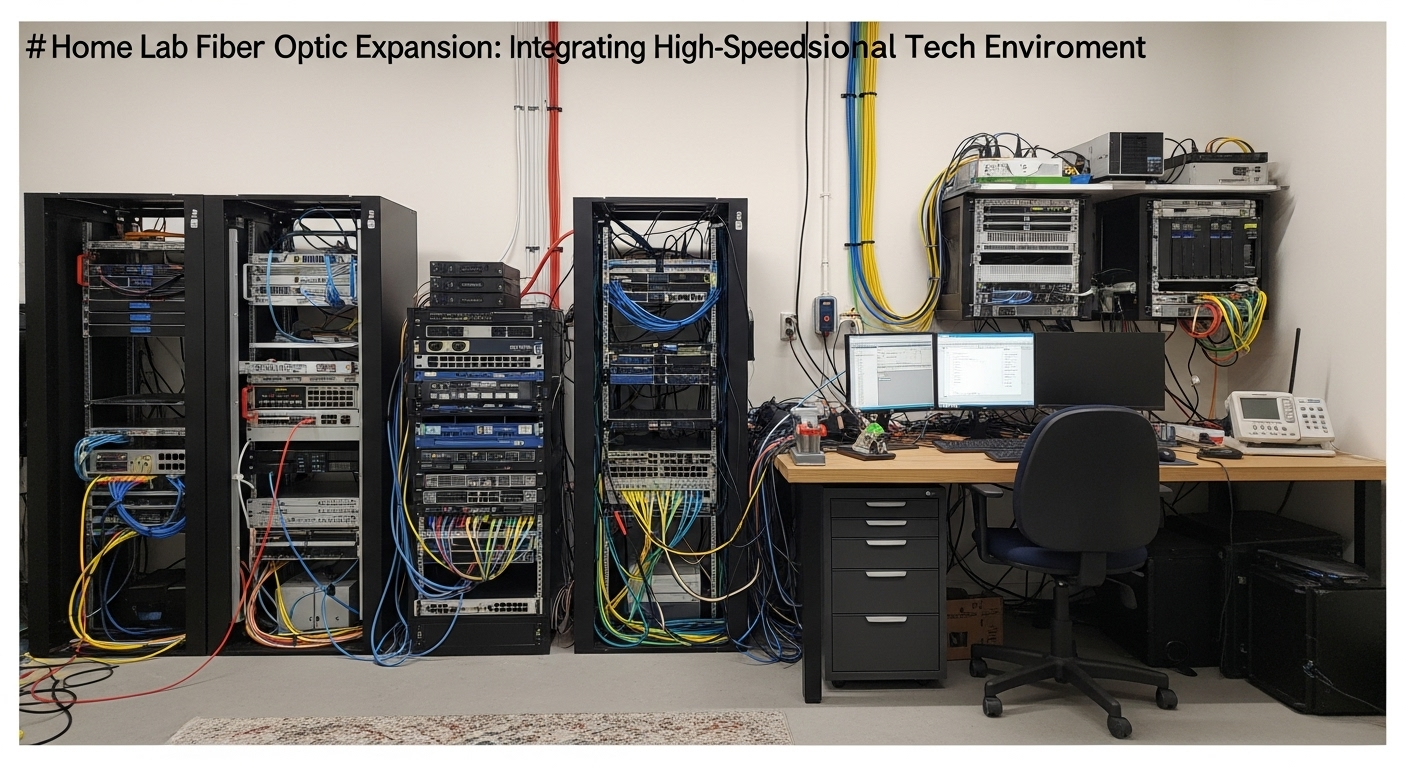
Unleashing the Garage's Network Potential: My Fiber Optic Adventure!
Hey fellow tech enthusiasts! If you're anything like me, your homelab isn't just confined to a rack in your basement or office. Sometimes, inspiration strikes, or you simply run out of space, and the garage starts looking mighty appealing for an expansion. For me, it was a combination of wanting a dedicated workshop PC with solid connectivity and the idea of moving some noisier lab gear out of the main house. The problem? My garage's network connection was… well, non-existent beyond Wi-Fi, and we all know Wi-Fi isn't quite the same as a rock-solid wired connection, especially for servers or bandwidth-hungry tasks.
Enter: Fiber Optics! I decided to go all-in and run a proper fiber link. Why fiber instead of just another Ethernet cable? Future-proofing, distance, and immunity to electrical interference were big factors. Plus, it sounded like a fun challenge!
The Planning Stage: Measure Twice, Order Once (Mostly)
Before I even thought about drilling, I did my homework. Here's what I considered:
• Fiber Type: I opted for OS2 Single-Mode Fiber (SMF). While multi-mode might have been sufficient for the relatively short distance (about 50 feet), single-mode offers far greater future-proofing for speed and distance, even if I never need it.
• Connectors: LC-LC was my choice, as it's common for SFP modules and patch panels.
• Cable Protection: This was crucial. I went with an armored direct burial fiber optic cable. This means it has a steel tube inside to protect against rodents and physical damage, and it's rated to be buried directly in the ground. Crucially, I also planned to run it through conduit wherever possible for extra protection and future upgrades.
• Length: Measure, measure, measure! I measured the path from my network closet to the garage's intended network cabinet. Then I added a significant buffer – probably an extra 20-30 feet – for slack, unforeseen obstacles, and making sure I didn't come up short. You can always coil extra, but you can't stretch what isn't there!
• Network Gear: I needed a switch in my main house with an SFP+ port and another SFP+ capable switch for the garage. Plus, a pair of matching SFP+ modules (10GBASE-LR for single-mode).
The Drilling Challenge: A Hole Lot of Fun!
This was arguably the most nerve-wracking part. I needed to get the fiber from inside my house, through the exterior wall, and then into the garage wall.
House Exit Point: I chose a spot in my utility room, low on the wall, where there were no electrical outlets or plumbing lines nearby. A stud finder and a good look at the electrical panel/plumbing diagram helped here. The Drill: For masonry and exterior walls, a good hammer drill is your best friend. I used a 3/4-inch masonry bit, just wide enough for the armored fiber and a bit of sealant. Safety First: Seriously, double-check for electrical wires, water pipes, and anything else you don't want to hit. Drilling from the inside out and then using the pilot hole to guide from the outside can help ensure you come out where you expect. Garage Entry Point: Similar process for the garage wall, aligning it as best as possible with the conduit path. Sealing: Once the cable was through, I used outdoor-rated silicone caulk to seal both holes completely, preventing water, insects, and drafts from entering.
Pulling the Cable: The Marathon
With the holes drilled, it was time for the main event: getting that fiber from point A to point B. My path involved a short underground trench (where the conduit was invaluable), then up the garage wall.
• Conduit is King: I cannot stress this enough. If you're going underground, use conduit (I used Schedule 40 PVC). It protects the cable from digging, rodents, and makes future upgrades or replacements infinitely easier. I buried 1-inch conduit from the house foundation to the garage foundation.
• Fish Tape & Pull String: For the conduit run, a good fish tape made pulling a pull string through easy. Then, I attached the fiber to the pull string (carefully, using electrical tape to create a smooth, tapered attachment point) and slowly pulled it through.
• Mind the Bend Radius: Fiber is delicate! Do NOT bend it sharply. Most fiber cables have a minimum bend radius (check your cable's specs). Exceeding this can damage the internal glass strands, leading to signal loss. I was extra careful around corners.
• Lubricant: A little cable pulling lubricant (not WD-40!) can make a huge difference, especially in longer or more complex conduit runs.
• Patience: This isn't a race. Take your time, especially if you're working alone.
Connecting and Testing: The Moment of Truth
Once the fiber was pulled and secured, it was time to make the connections.
SFP+ Modules: I plugged my 10GBASE-LR SFP+ modules into my network switches (one in the house, one in the garage). Fiber Connection: Carefully, I plugged the LC connectors into the SFP+ modules. Make sure you get the transmit and receive strands correct (usually, if it doesn't link, you just swap the two strands on one end). Power Up & Test: The moment of truth! I powered everything on. A quick check of the switch lights showed the link was up! Then, a simple ping test and a large file transfer confirmed I had a blazing-fast 10 Gigabit link to my garage. Success!
Lessons Learned & Takeaways:
Every project is a learning experience, and this one was no exception:
• Always Overshoot Length: Seriously, buy more cable than you think you need. Coiling up an extra 10-20 feet is easy; stretching a cable that's too short is impossible.
• Conduit is Your Best Friend: For any outdoor or in-wall run, conduit is worth the extra effort and cost. It protects your cable, and more importantly, it makes future upgrades or troubleshooting so much easier.
• Mind the Bend Radius: Fiber is not copper. Treat it gently, especially around corners.
• Proper Tools Make All the Difference: A good hammer drill, the right bits, fish tape, and lubricant turn a frustrating task into a manageable one.
• Armored Cable for Peace of Mind: If you're going underground, armored fiber is worth the extra cost. Rodents love to chew!
• Test, Test, Test: Don't button everything up until you've confirmed your link is solid.
• Enjoy the Speed! There's immense satisfaction in seeing those 10Gbps link lights glowing and knowing you built that high-speed link yourself.
Running fiber to my garage was a fantastic project. It expanded my homelab capabilities, taught me a lot about network infrastructure, and now gives me rock-solid, high-speed connectivity where I needed it most. If you're considering a similar project, I highly encourage it – just be prepared to get your hands a little dirty, and enjoy the fruits of your labor!