The Silent Sentinel: Building a Quiet Server Rack in My Bedroom (and Why My Partner Wasn't Happy)
My journey into homelab nirvana hit a snag: my partner. Discover how I tamed the beast of server noise and heat, turning a bedroom into a silent data center, all while keeping the peace (mostly!). This is a tale of acoustic engineering, smart monitoring, and the ultimate WAF (Wife Acceptance Fact...
The Dream vs. The Reality (and The Partner)
Ah, the allure of a homelab! The hum of servers, the blinking lights, the sheer power at your fingertips. For a while, my "homelab" was a collection of dusty PCs under my desk. But the dream was a proper server rack, humming away, serving up all my self-hosted goodness. The only available space? Our bedroom. And that, my friends, is where my partner entered the chat, less than thrilled.
"It's going to be loud," she said. "It's going to be hot." And, most damningly, "It's going to look awful." Challenge accepted! My mission: build a server rack so quiet, so thermally efficient, and so aesthetically unobtrusive that it could live peacefully in our bedroom. This wasn't just a technical project; it was a diplomatic mission.
Phase 1: The Quest for Quiet Hardware
My first realization was that standard server hardware was a non-starter. Those screaming 40mm fans and enterprise-grade power supplies? Absolutely not. I had to rethink everything.
• Mini PCs & NUCs: I started by consolidating. Instead of multiple full-sized machines, I opted for a few Intel NUCs and fanless mini PCs. These draw less power, generate less heat, and, crucially, make almost no noise.
• SSDs (Solid State Drives): Mechanical hard drives, even quiet ones, produce a subtle hum and seek noise. I transitioned everything critical to SSDs. For bulk storage, I used a NAS located elsewhere in the house, connected via a dedicated network link.
• Fanless PSUs: Power supplies are often overlooked noise culprits. I sourced fanless or passively cooled power supplies for any components that absolutely needed them.
• Low RPM, Large Fans: For the rack itself (which I'll get to), I prioritized large (120mm or 140mm) fans running at extremely low RPMs. They move more air quietly than smaller, faster fans.
Phase 2: Acoustic Engineering & Rack Selection
Even with quiet components, a server rack acts as an echo chamber. This was the biggest hurdle.
• Sound-Dampened Rack Cabinet: This was a game-changer. I invested in a purpose-built sound-dampened server cabinet. These typically have thick, insulated walls, sealed cable entry points, and often use specialized airflow designs to minimize noise leakage. It wasn't cheap, but it was essential.
• Vibration Isolation: Fans and drives still create vibrations. I used rubber grommets for mounting drives and placed the rack on anti-vibration feet. Every little bit helped prevent sound from traveling through the floor or cabinet structure.
• Cable Management for Airflow: Good airflow isn't just about cooling; it's about making fans work less hard. Meticulous cable management ensured unobstructed pathways for air, allowing the low-RPM fans to do their job efficiently.
Phase 3: The Critical Role of Monitoring (And Partner Peace)
Building a quiet system is one thing; ensuring it *stays* quiet and doesn't overheat is another. This is where my love for monitoring truly shone, not just for performance, but for maintaining the WAF.
I quickly realized that just making it quiet wasn't enough; I needed to monitor temperatures and fan speeds constantly to ensure I wasn't sacrificing longevity for silence. My partner's biggest fear was a hot, noisy box. Real-time data was my proof!
• Temperature Sensors: I deployed temperature sensors liberally inside the rack, at various heights and near critical components (CPUs, SSDs, network gear).
• Fan Speed Control: My rack's built-in fan controller was connected to these sensors, dynamically adjusting fan speeds based on temperature thresholds. The goal was always the lowest possible RPM.
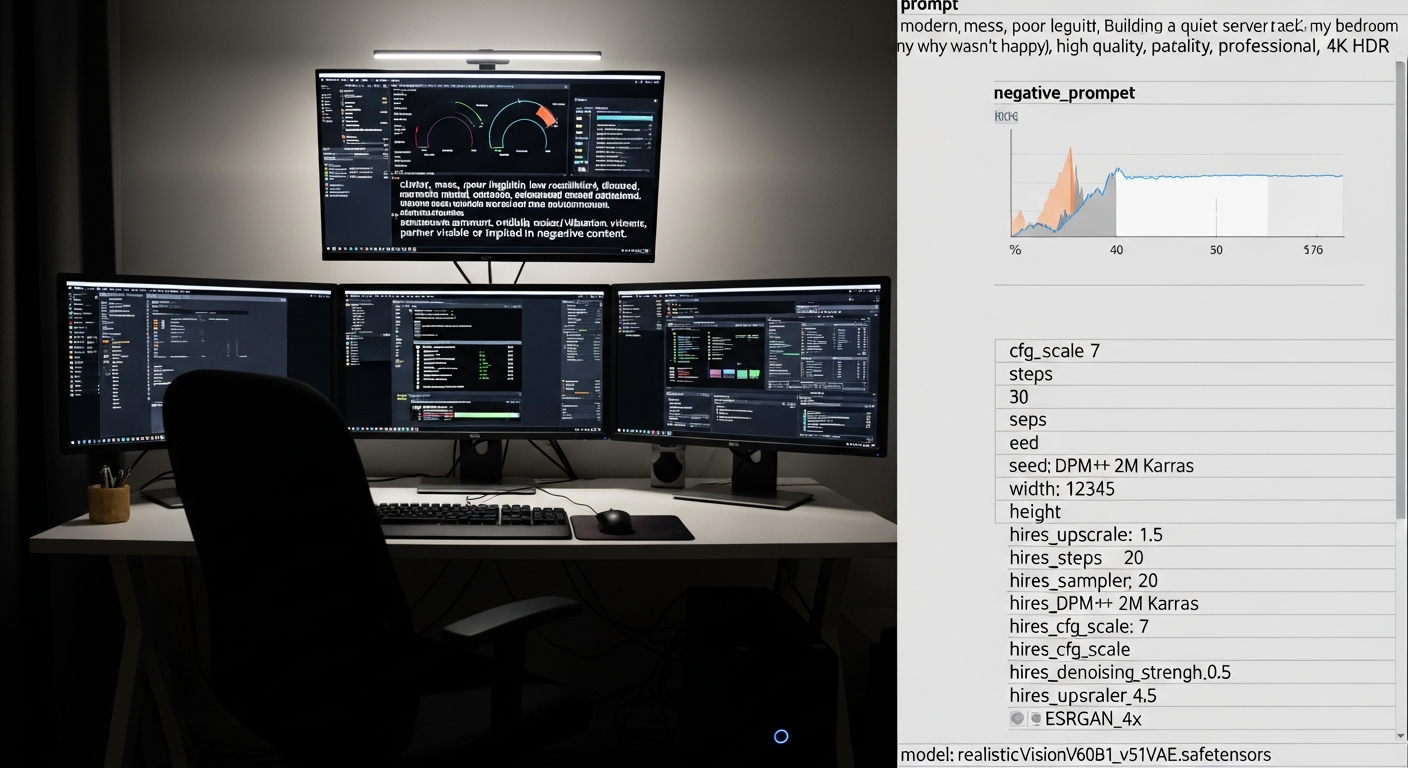
• Prometheus & Grafana: This dynamic duo became my eyes and ears. I set up Prometheus to scrape metrics from `lm-sensors` (for Linux machines), SNMP (for network gear), and custom scripts that reported fan speeds and temperatures. Grafana dashboards provided beautiful, real-time visualizations of every temperature, fan RPM, and power draw metric imaginable.
• Alerting: Crucially, I configured alerts. If any component's temperature exceeded a safe threshold, or if a fan RPM suddenly spiked (indicating a problem or a particularly heavy load), I'd get a notification. This allowed me to proactively address issues before they became audible or critical.
This monitoring setup gave me immense peace of mind. I could see that even under load, the system maintained optimal temperatures without ever needing to ramp up fans to an audible level. I could even show my partner the Grafana dashboard, proving that the 'silent sentinel' was cool and collected.
Lessons Learned on This Quiet Journey
This project was a fantastic learning experience, blending technical know-how with real-world constraints.
Compromise is Key: You can't have enterprise-grade power and silence on a budget in a bedroom. Prioritize what's essential for your homelab and choose components accordingly. Monitoring is Non-Negotiable: Especially in a constrained environment, robust monitoring ensures your quiet setup remains healthy and doesn't turn into a thermal runaway. It's not just for performance; it's for peace of mind and proving your setup's stability. WAF/PAF is a Real Metric: Don't underestimate the importance of your partner's comfort. Addressing their concerns proactively makes for a much smoother homelab journey. Acoustic Treatment Works: It's amazing what a well-designed, sound-dampened cabinet can do. It's worth the investment for a peaceful environment. Patience and Iteration: Achieving true silence takes time. I tweaked fan curves, moved components, and experimented with different settings until I found the sweet spot.
Today, my bedroom server rack is a silent, blinking monument to quiet computing. My partner? She still occasionally asks, "Is that thing on?" – which, for a homelab enthusiast, is the highest compliment you can receive. And thanks to my monitoring dashboards, I can always confidently say, "Yes, and it's running perfectly cool and quiet!"