The Great Bedroom Homelab Heist: Building a Silent Server Rack (and Saving My Relationship)
My journey to build a powerful yet whisper-quiet server rack right in my bedroom was a rollercoaster of fan noise, thermal throttling, and a very unhappy partner. Learn how I tamed the decibels and built a truly silent homelab, focusing on component choices, cooling strategies, and the crucial ro...
The Dream vs. The Decibels: My Bedroom Homelab Saga
Ah, the homelab. A sanctuary for tinkering, learning, and hosting all sorts of wonderful self-managed services. For years, I dreamt of having my own rack, a mini data center humming away, ready to serve my every tech whim. The problem? Space. Or rather, the lack thereof. My only available real estate was a corner of our bedroom. "It'll be quiet," I promised my partner. Famous last words, right?
Phase 1: The Roaring Beast (and the Unhappy Partner)
My initial foray was, shall we say, less than ideal. I cobbled together an old desktop tower, a couple of enterprise-grade switches I got cheap, and a NAS with spinning drives. Oh, the noise! The desktop fan whirred like a tiny jet engine, the switches sounded like angry bees, and the HDD clatter was a constant, rhythmic reminder of my poor choices. My partner, bless her patience, initially tolerated it. But as the nights wore on, the gentle hum transformed into an oppressive roar in her ears. Sleep became a luxury, and my homelab became a source of marital friction. "It's got to go!" was the ultimatum. My struggle had officially begun.
Phase 2: The Quest for Silence – A Technical Deep Dive
I knew I couldn't just throw a blanket over it. This required a fundamental shift in strategy. My goal: a rack that was truly silent, or at least imperceptible, from a few feet away. This meant going beyond just "quiet" and aiming for "acoustically invisible."
1. Component Selection: The Silent Foundation
• Compute Nodes: I ditched the old desktop. Instead, I invested in a couple of Intel NUCs and a custom-built mini-ITX system with a low-TDP (Thermal Design Power) CPU (think Intel i3/i5 T-series or AMD Ryzen APUs). The key here was selecting components that generate minimal heat, thus requiring less aggressive cooling.
• Storage: This was a huge one. All spinning drives (HDDs) had to go. I migrated everything to SSDs – NVMe for boot and VMs, and SATA SSDs for bulk storage. The silence was immediate and profound.
• Networking Gear: Those noisy enterprise switches? Replaced them with fanless managed switches (like certain UniFi or TP-Link models). For my router, I opted for a fanless pfSense box.
• Power Supply: Even PSUs have fans! I sourced a fanless PicoPSU for my custom build and ensured the NUCs had external power bricks.
• Case Fans: Where fans were unavoidable (my custom build), I went premium: Noctua and be quiet! fans, meticulously chosen for their low RPMs and advanced bearing technology.
2. Rack & Enclosure: Isolation is Key
A standard open rack wouldn't cut it. I needed an enclosed solution. I opted for a small, sound-dampening server cabinet. These typically feature sound-absorbing foam lining and rubber grommets for cable pass-throughs. The challenge here was ventilation. A sealed box gets hot! I installed low-RPM, large diameter fans (again, Noctua) on temperature-controlled switches, ensuring they only spun up when absolutely necessary, and at the lowest possible speed to maintain safe temperatures.
3. The Crucial Role of Monitoring
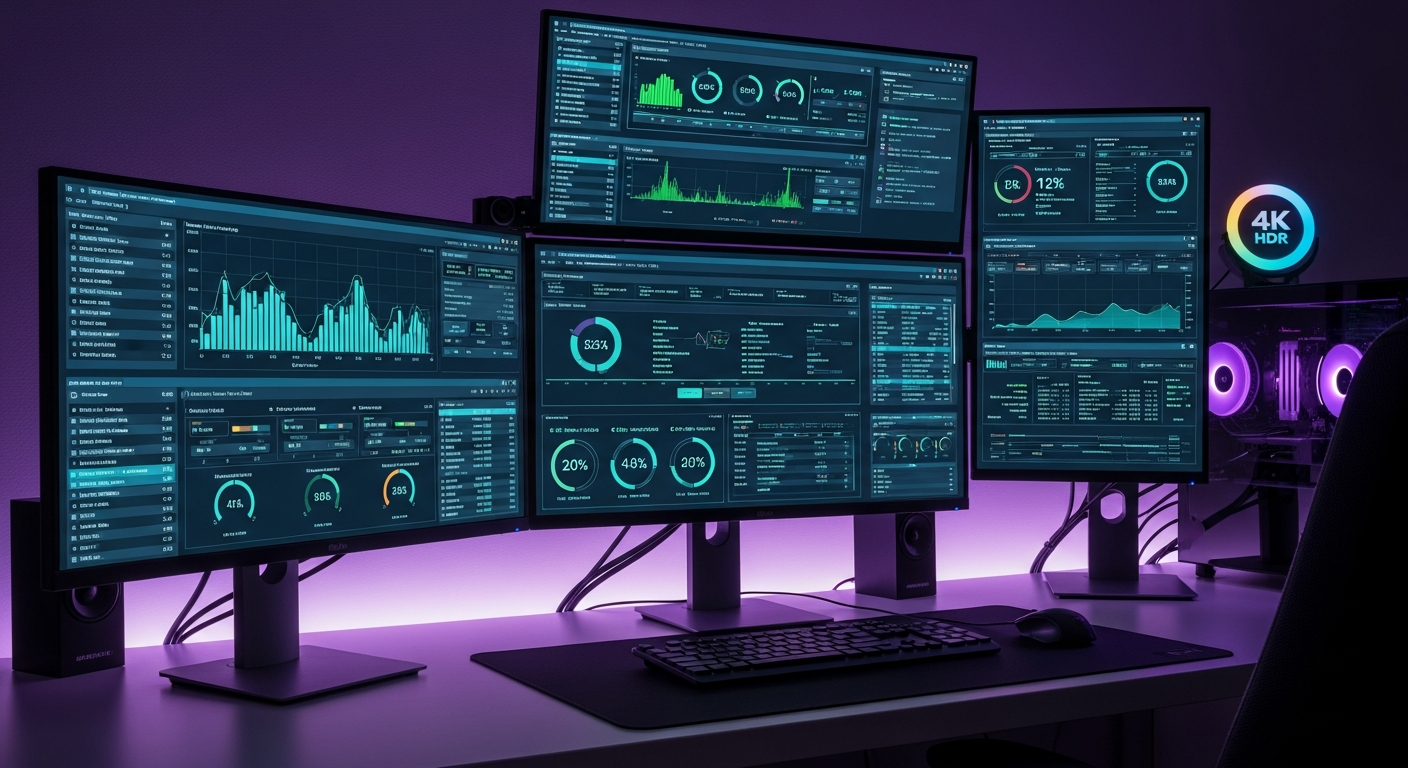
This is where the 'monitoring' aspect truly became my savior. Making things quiet is one thing; ensuring they don't overheat and throttle (or worse, fail) is another. I set up comprehensive monitoring:
• Temperature Monitoring: Using tools like Proxmox's built-in sensors, lm-sensors on Linux, and specific vendor utilities for my NUCs, I kept a close eye on CPU, SSD, and overall system temperatures. I established baselines and alerts for any spikes.
• Fan RPMs: For the few fans I had, I monitored their RPMs to ensure they were running at their lowest possible speeds while maintaining acceptable temperatures. I even experimented with custom fan curves in the BIOS to find the sweet spot between cooling and acoustics.
• Power Consumption: Lower power consumption often correlates with less heat and therefore less noise. I monitored the wattage of my entire setup to ensure efficiency.
• Acoustic Monitoring: Believe it or not, I used a decibel meter app on my phone! I took readings before and after each modification, aiming for a consistent drop. The goal was to get below 30dB, which is roughly the sound of a whisper.
By constantly monitoring, I could confidently undervolt my CPU, fine-tune fan curves, and confirm that my sound-dampening enclosure wasn't turning into an oven. It allowed me to push the boundaries of silence without compromising stability or longevity.
Success (and a Mostly Happy Partner)!
The transformation was incredible. What was once a symphony of whines and clicks became a barely perceptible hum. My homelab now sits quietly in our bedroom, diligently serving my Plex server, Home Assistant instance, and various Docker containers without a peep. My partner can sleep soundly, and I can tinker to my heart's content.
What did I learn? That building a quiet homelab isn't just about buying "quiet" components; it's about a holistic approach: careful component selection, strategic enclosure design, and relentless monitoring to ensure that silence doesn't come at the cost of performance or reliability. It was a struggle, but the success was sweet – and my relationship is definitely stronger for it!
Happy homelabbing (and sleeping)!