My Quest for the Perfect Self-Hosted Media Solution: A Homelabber's Journey
Join me on a personal journey through the ups and downs of building a robust, automated self-hosted media server. From basic file shares to the power of Docker Compose and the 'arr' suite, discover the lessons I learned and the challenges I overcame in creating my ultimate home entertainment hub.
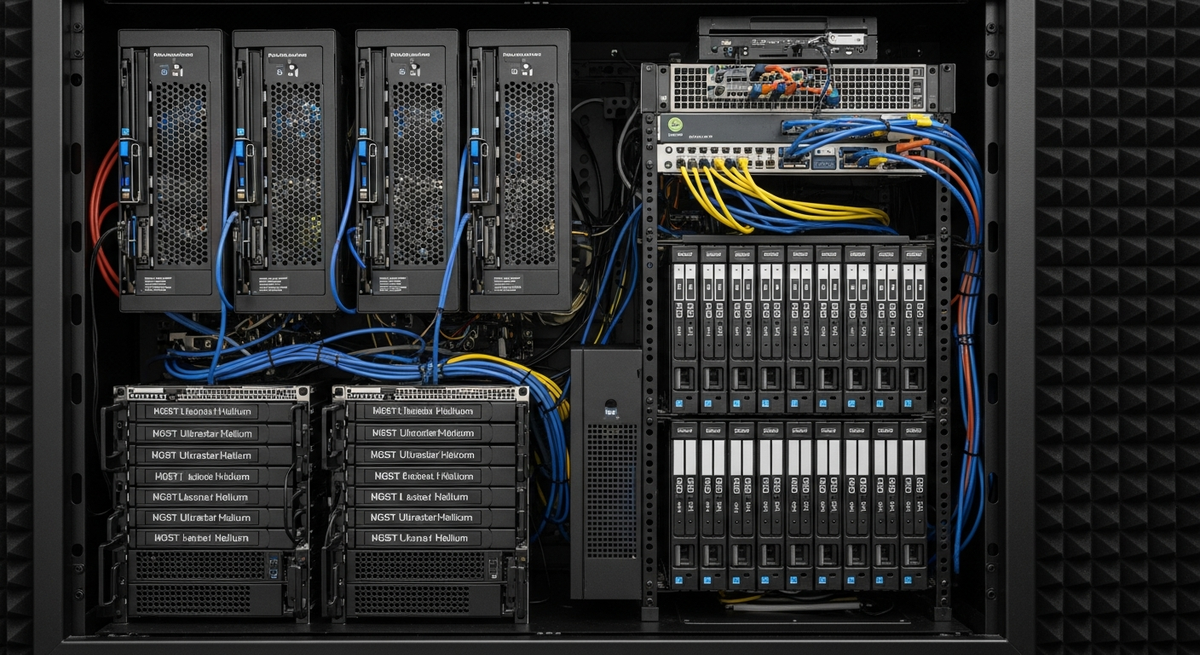
My Quest for the Perfect Self-Hosted Media Solution: A Homelabber's Journey
Hey fellow homelabbers and tech enthusiasts! If you're anything like me, you've probably dreamed of a magical place where all your movies, TV shows, and music live happily ever after, perfectly organized, always available, and updating themselves like clockwork. Well, that dream kicked off my multi-year quest for the 'perfect' self-hosted media solution, and let me tell you, it's been an adventure!
The Early Days: The Humble File Share
My journey began, as many do, with simplicity. I had a NAS, a bunch of media files, and a shared folder. Playing content was usually a matter of navigating to the share on my smart TV or a connected PC. It worked, mostly. But the cracks soon started to show: manual organization was a pain, metadata was nonexistent (hello, 'Movie_Title_2020_Bluray_x264.mkv'!), and streaming across devices was clunky, often requiring specific apps or codecs.
Enter the Media Servers: Plex and Jellyfin
This is where things got interesting. I first dipped my toes into Plex. Wow! Automatic metadata, beautiful UIs, and transcoding on the fly – it felt like magic. I spent hours curating my library, marveling at how much better everything looked. Then, the open-source bug bit, and I experimented with Jellyfin. The idea of complete control and no vendor lock-in was incredibly appealing. Both were massive upgrades, but I was still manually finding, downloading, and moving files around. My 'perfect' solution needed more...
The Automation Revelation: The 'Arr' Stack
This was the true game-changer. I stumbled upon the 'arr' suite: Sonarr for TV shows, Radarr for movies, and later Lidarr for music. These tools, combined with a download client (like qBittorrent or SABnzbd), promised to automate the entire process from discovery to final placement in my media library. It sounded too good to be true, and honestly, the initial setup was a steep learning curve.
Challenges and Learnings:
• Configuration Overload: Each 'arr' app has its own settings, indexers, download clients, and quality profiles. Getting them to talk to each other and my download client correctly required patience and a lot of cross-referencing documentation.
• Path Management: One of the biggest hurdles was understanding how Docker volumes and file paths worked across different containers and my NAS. Symlinks, hardlinks, and correct remote path mappings became my new best friends. Misconfigurations here led to files not moving, or worse, being duplicated.
• Docker Compose: Initially, I was running each app in separate Docker commands. Discovering Docker Compose was like finding a cheat code. Defining my entire media stack in a single YAML file made deployment, updates, and backups infinitely easier. This was a pivotal moment in my homelab journey!
• Reverse Proxies and Security: Exposing these services to the internet for remote access meant thinking about security. Implementing a reverse proxy like Nginx Proxy Manager (NPM) with SSL through Let's Encrypt became essential. It was another layer of complexity, but the peace of mind and professional feel were worth it.
My Current 'Perfect' Setup (for now!)
Today, my media solution is a beautiful symphony of technology. It runs on a TrueNAS Scale server (though I've also run similar setups on Unraid and vanilla Debian). Here's the simplified stack:
• OS/Base: TrueNAS Scale (for ZFS storage and Kubernetes/Docker support).
• Orchestration: Docker Compose for all my applications.
• Media Management: Sonarr, Radarr, Lidarr (all in Docker containers).
• Download Client: qBittorrent (also in Docker).
• Media Server: Jellyfin (my current preference for its open-source nature and robust features). Plex is always an option if I need specific client support.
• Proxy/Security: Nginx Proxy Manager (Dockerized, handling SSL and external access).
• Storage: ZFS datasets on TrueNAS, mounted directly into my Docker containers.
The result? I add a movie or TV series to Radarr/Sonarr, and within minutes (or hours, depending on availability), it's downloaded, organized, and available in Jellyfin, complete with perfect metadata. It's truly a 'set it and forget it' system, allowing me to focus on enjoying content rather than managing it.
Lessons Learned and Advice for Fellow Homelabbers
Start Small, Iterate: Don't try to build the ultimate system overnight. Start with Plex/Jellyfin, then add Sonarr, then Radarr, etc. Each step builds on the last. Embrace Docker: It simplifies deployment, updates, and isolation immensely. Learn Docker Compose – it's a superpower. Documentation is Your Friend: The 'arr' projects have excellent wikis, and communities like r/selfhosted are invaluable resources. When in doubt, search and read. Patience is Key: You will run into issues. File permissions, networking, configuration quirks – they're all part of the learning process. Don't get discouraged! The 'Perfect' Solution Evolves: Technology changes, your needs change. What's perfect today might be optimized tomorrow. Embrace the journey of continuous improvement.
My quest for the perfect self-hosted media solution has been one of the most rewarding parts of my homelabbing experience. It's taught me so much about networking, Docker, Linux, and automation. If you're thinking about diving in, I wholeheartedly encourage you. The satisfaction of building something so powerful and personal is truly immense. Happy homelabbing!