My Journey from a Single Raspberry Pi to a Full Homelab Setup
Join me as I recount my personal adventure in building a homelab, starting from a humble Raspberry Pi and evolving into a powerful, multi-server environment. Discover the challenges I faced, the technologies I embraced, and the invaluable lessons I learned along the way.
The Humble Beginnings: A Single Raspberry Pi
Hey fellow tech enthusiasts! Let me take you back to where my homelab journey truly began – with a single, unassuming Raspberry Pi. It feels like yesterday, but it was years ago when I first got my hands on one. My initial goal was simple: to set up a Pi-hole to block ads across my network. The sheer joy of seeing those ad counts rise and my browsing experience become cleaner was intoxicating! From there, it quickly escalated. I dabbled with a basic file server using Samba, then tried hosting a tiny web server. Each small success fueled my curiosity and made me realize the incredible potential of these mini-computers.
Early Lessons and Growing Pains
• Linux Fundamentals: The Pi forced me to get comfortable with the command line. No fancy GUIs here, just me, SSH, and a terminal. I learned basic commands, file system navigation, and package management – skills that are now indispensable.
• Networking 101: Understanding IP addresses, ports, DHCP, and DNS became crucial for getting services to work and be accessible.
• SD Card Woes: Oh, the number of corrupted SD cards I went through! This was my first hard lesson in the importance of reliable storage and regular backups. It taught me about wear leveling and why enterprise-grade storage is, well, enterprise-grade.
• Resource Limitations: Running multiple services on a single Pi quickly showed its limits. CPU usage would spike, memory would max out, and things would crawl. This was the first hint that I needed more power.
The Expansion: From Pi to "Proper" Server
The limitations of the Pi eventually became a bottleneck. I wanted to run more demanding services, experiment with virtualization, and simply have more headroom. This led me down the rabbit hole of finding my first dedicated server. I started with an old desktop PC I had lying around – an Intel i5 with 8GB of RAM. It wasn't much, but it felt like a supercomputer compared to the Pi!
Embracing Virtualization and Containers
This is where things got really exciting. I installed Proxmox VE as my hypervisor. It was a game-changer! Suddenly, I could create multiple virtual machines (VMs) and run different operating systems and services in isolated environments. My first VMs included:
• Plex Media Server: Finally, a dedicated machine to transcode and serve my media library without breaking a sweat.
• Nextcloud: My own private cloud storage, replacing commercial alternatives.
• Home Assistant: The central brain for my smart home devices.
• Docker Host: This was a pivotal moment. Learning Docker revolutionized how I deployed applications. Services became portable, easy to update, and isolated from each other. No more "dependency hell"!
The learning curve was steep but incredibly rewarding. I wrestled with network bridging, storage allocation, and understanding resource management. Each successful deployment felt like a mini-victory.
Building Out the Infrastructure: Networking and Storage
As my homelab grew, I quickly realized that a robust network and reliable storage were paramount. My consumer-grade router simply wasn't cutting it anymore.
Networking Overhaul
I invested in a managed switch and set up pfSense (or OPNsense, I've tried both!) on an old thin client. This allowed me to:
• Create VLANs: Segmenting my network for IoT devices, guests, and my lab equipment dramatically improved security and organization.
• Advanced Firewall Rules: Granular control over traffic flow and external access.
• VPN Server: Securely access my homelab resources from anywhere.
Understanding subnetting, routing, and firewall rules was initially daunting, but absolutely essential for a stable and secure homelab.
Storage Solutions
From external USB drives connected to the Pi, I moved to a dedicated Network Attached Storage (NAS) solution. I built a system running TrueNAS SCALE (initially FreeNAS). This introduced me to the world of ZFS, RAID configurations, and the critical importance of data integrity. Setting up a RAIDZ array and understanding its benefits and limitations was a huge learning experience.
Challenges and Hard-Earned Lessons
My journey hasn't been without its bumps. Here are some of the biggest lessons I've learned:
• Documentation is King: Trust me, you'll forget how you configured that obscure service six months from now. Document everything!
• Backups, Backups, Backups: The 3-2-1 rule isn't just a suggestion; it's a lifesaver. I've had hardware failures, accidental deletions, and corrupted configurations. Good backups have saved me countless hours of redoing work.
• Power Consumption & Noise: Initially, I didn't consider these. My first servers were loud and power-hungry. Now, efficiency and acoustics are major factors in my hardware choices.
• The Rabbit Hole Effect: One project always leads to three more. It's a never-ending cycle of learning and expanding, which is both a blessing and a curse!
• Embrace Failure: Things will break. Services will go down. You'll misconfigure something. It's all part of the learning process. Each failure is an opportunity to deepen your understanding and troubleshoot effectively.
Where I Am Now & What's Next
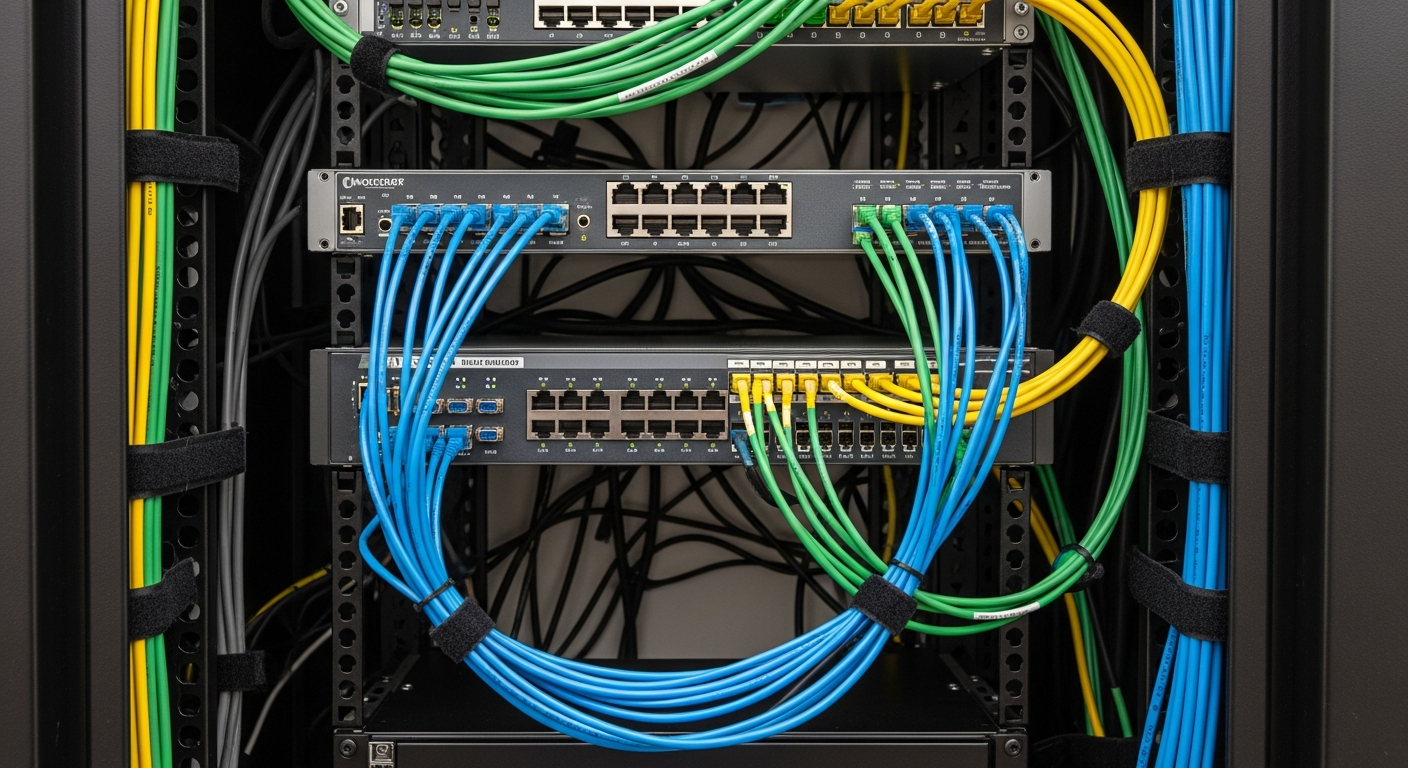
Today, my homelab is a multi-server environment with a dedicated firewall, managed switch, a TrueNAS storage server, and multiple Proxmox nodes running dozens of VMs and Docker containers. I host everything from a media server and smart home hub to development environments, monitoring tools, and even a small Kubernetes cluster for experimenting. It's become my personal playground for learning new technologies and self-hosting services.
The journey from that single Raspberry Pi has been incredible. It taught me invaluable skills in Linux administration, networking, virtualization, containerization, and storage management. If you're just starting with a Pi, keep going! The possibilities are endless, and the learning experience is immensely rewarding. What started as a simple ad-blocker became a passion for building, learning, and controlling my own digital infrastructure.