My Journey from a Single Raspberry Pi to a Full Homelab Setup
Ever wondered how a simple Raspberry Pi can spark a full-blown homelab obsession? Join me as I recount my personal adventure, from a humble Pi-hole to a powerful server rack, filled with lessons learned and challenges overcome in the world of self-hosting and advanced networking.
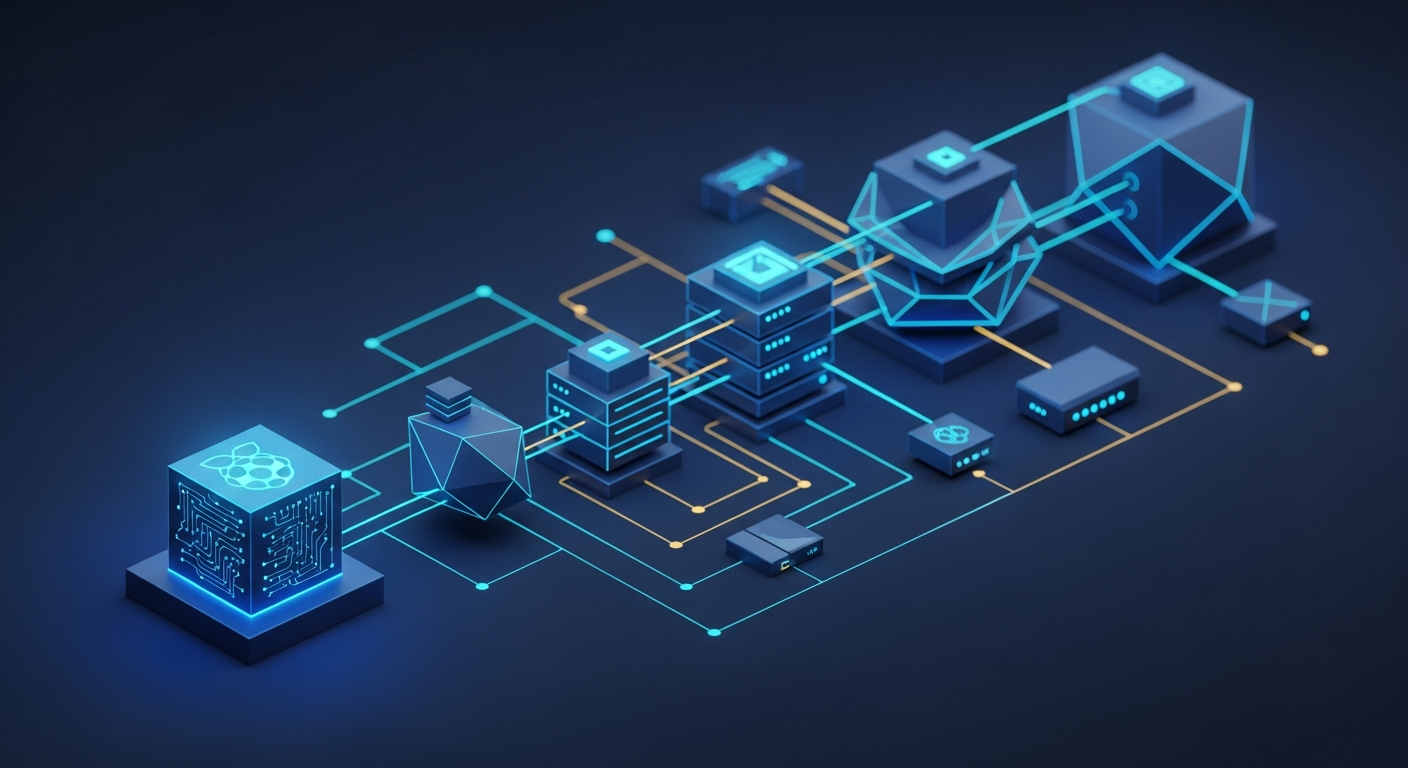
Hey fellow tech enthusiasts! Today, I want to share a story that many of you might relate to – my personal journey from a single, humble Raspberry Pi to a full-fledged homelab setup. It’s been a wild ride of learning, troubleshooting, and immense satisfaction, especially when it comes to understanding the intricacies of networking.
The Spark: A Humble Raspberry Pi and Pi-hole
It all started a few years ago with a Raspberry Pi 3B+. Like many, my first foray into the world of self-hosting was setting up a Pi-hole. The idea of blocking ads network-wide was incredibly appealing, and the simplicity of getting it up and running on a tiny, low-power device was mind-blowing. Suddenly, I wasn't just consuming technology; I was controlling it.
This initial success was a powerful catalyst. I loved seeing the ad-blocking stats, and it opened my eyes to the potential of these small machines. What else could I do? The rabbit hole was calling!
The "Pi Farm" Era: Expanding Horizons (and Limitations)
Soon, one Pi turned into two, then three. I had Pis running Nextcloud for personal cloud storage, another for basic home automation, and even one attempting to run a Plex server (which quickly hit its limits with transcoding!). This "Pi Farm" taught me a lot about Linux, SSH, and basic network configuration.
However, I quickly started hitting the limitations. SD card corruption was a frequent headache, performance for anything beyond light tasks was poor, and managing multiple disparate devices became cumbersome. I yearned for more power, reliability, and a centralized management solution.
The Leap to Dedicated Hardware: Embracing Virtualization
The need for more robust services, especially a proper Plex server that could handle multiple streams and transcoding, pushed me towards dedicated hardware. My first step was a Mini PC, which I quickly installed Proxmox VE on. This was a game-changer!
Virtualization opened up a world of possibilities. I could run multiple operating systems and applications on a single piece of hardware, isolate services, and easily take snapshots and backups. This allowed me to experiment fearlessly without worrying about breaking my main setup. Docker containers soon followed, providing even more flexibility and resource efficiency for individual applications.
Networking: The True Backbone of the Homelab
As my lab grew, my understanding and implementation of networking became absolutely critical. Initially, my home network was a standard consumer router – plug-and-play, flat network. Simple, but highly insecure and inflexible for a growing homelab.
From Consumer Router to Custom Firewall
The first major networking upgrade was replacing my consumer router with a dedicated firewall appliance running pfSense (later experimenting with OPNsense). This was a significant learning curve. I had to learn about:
• WAN/LAN configuration: Understanding how my internet connection came in and how my internal network was structured.
• Firewall Rules: Creating rules to allow or deny traffic, securing my network, and understanding the concept of stateful firewalls.
• NAT (Network Address Translation): How my internal devices communicate with the outside world.
• DHCP and DNS: Taking control of IP address assignment and name resolution within my network.
The power of a custom firewall was immense. I could now truly segment and secure my network.
The Power of VLANs and Managed Switches
With a custom firewall, the next logical step was a managed switch. This is where networking truly became fascinating. VLANs (Virtual Local Area Networks) allowed me to segment my network logically, even with a single physical switch. I created:
• A main LAN: For trusted devices like my desktop and laptop.
• An IoT VLAN: For smart home devices, isolating them from my main network in case they were compromised.
• A Guest VLAN: For visitors, giving them internet access but no access to my internal resources.
• A Lab VLAN: For my experimental servers and services, keeping them separate from my production environment.
Configuring VLANs, trunk ports, and access ports on the switch, and then setting up corresponding interfaces and firewall rules on pfSense, was challenging but incredibly rewarding. I learned about subnetting, inter-VLAN routing, and how to create robust isolation policies. It transformed my network from a simple highway into a multi-lane, controlled system.
Storage, Services, and Learning Curves
Beyond networking, I delved into proper storage solutions, moving from USB drives to a dedicated NAS with ZFS for data integrity and redundancy. I've self-hosted a plethora of services: Home Assistant, Jellyfin, Nextcloud, WireGuard VPN, Guacamole, and many more.
Each new service, each new piece of hardware, presented its own set of challenges:
• Linux Administration: Becoming comfortable with the command line is essential.
• Troubleshooting: Debugging network connectivity issues, misconfigured services, or hardware failures.
• Power Consumption: A real concern as the lab grows!
• Backup Strategies: Learning the hard way that backups are crucial.
The Journey Continues
Today, my homelab is a central part of my digital life. It’s a place for learning, experimenting, and hosting services that give me more control over my data and privacy. It's transformed from a single Raspberry Pi into a rack-mounted server, managed switches, and a powerful firewall, all interconnected and secured with the knowledge I've gained.
If you're just starting with a Raspberry Pi, embrace it! It’s the perfect gateway drug to the world of homelabs. Don't be afraid to break things, learn from your mistakes, and keep pushing the boundaries of what you can self-host. The journey is incredibly rewarding, and the skills you gain are invaluable. Happy homelabbing!