My Internet Disappeared for 3 Hours: A Homelabber's Journey to Network Monitoring Enlightenment
Ever had your internet vanish without a trace? I did, and it sparked a mission to finally set up proper network monitoring in my homelab. Here's how I went from clueless to clued-in, and what I learned along the way.
Hey fellow homelabbers and tech enthusiasts!
Let me tell you about a recent experience that pushed me from 'I should probably set up some monitoring' to 'I NEED proper network monitoring, and I need it NOW!' It all started with a quiet Sunday afternoon, perfect for some tinkering, until my internet just... disappeared. Poof. Gone.
The Great Disappearing Act
For three excruciating hours, my entire homelab, my smart home devices, and my family's sanity were held hostage by a non-existent internet connection. The worst part? I had absolutely no idea why. Was it my ISP? My router? A rogue cable? My internal network was still humming along, but the gateway to the outside world was shut. I rebooted everything, checked cables, stared blankly at blinking lights – all to no avail. Eventually, it just came back online as mysteriously as it left. But those three hours of blind frustration lit a fire under me.
The 'Aha!' Moment: If You Can't See It, You Can't Fix It
That incident was my wake-up call. I realized that while I had monitoring for my servers (CPU, RAM, disk usage), I had a massive blind spot when it came to my network's health and, critically, its internet connectivity. I needed to know, at a glance, if my internet was down, if my router was struggling, or if a specific switch port was misbehaving. This wasn't just about troubleshooting; it was about peace of mind and proactive management.
Building My Network Monitoring Stack
My goal was clear: gain visibility into external connectivity, internal network device health, and key traffic patterns. After some research and leveraging tools I was already familiar with, I settled on a stack that offers a good balance of power and simplicity for a homelab environment:
• Uptime Kuma: For external reachability checks and simple service monitoring.
• Prometheus: The time-series database for collecting metrics.
• Grafana: For visualizing all those beautiful metrics into actionable dashboards.
• Telegraf: As an agent on my servers to push network interface metrics.
• SNMP Exporter: To pull metrics from my network gear (router, managed switches).
The Implementation Journey: From Zero to Hero
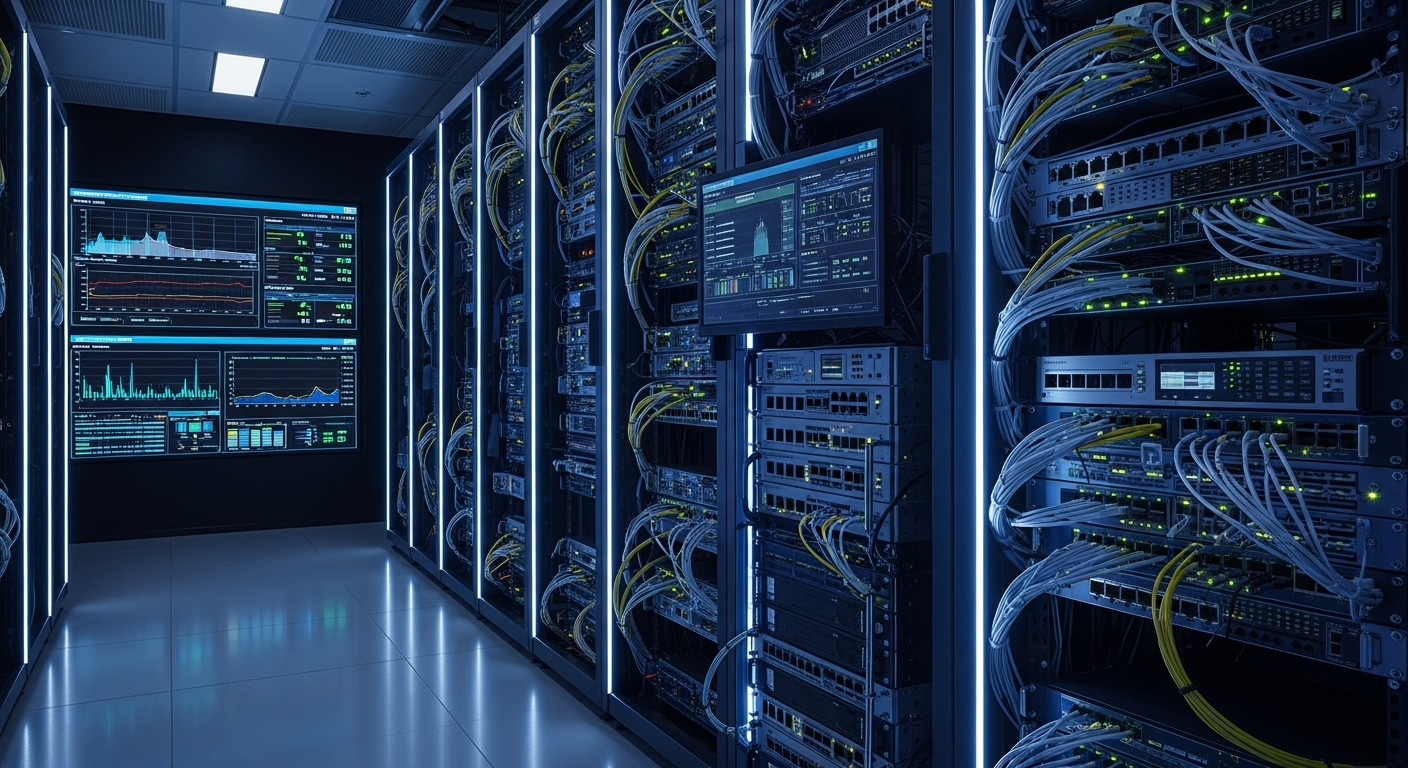
Uptime Kuma First: This was the quickest win. I spun up Uptime Kuma in a Docker container and immediately set up monitors to ping Google DNS (8.8.8.8), Cloudflare DNS (1.1.1.1), and a couple of public websites. Now, if my internet drops, Uptime Kuma (which lives on a server with an internal IP) will tell me instantly. It even sends me Telegram notifications!Prometheus & Grafana Core: I already had these running, so it was about integrating new data sources. Prometheus was configured to scrape various 'exporters.'SNMP Exporter for Network Gear: This was a game-changer. I enabled SNMP on my OPNsense router and my Ubiquiti switches. I then deployed the snmp_exporter (also in Docker) and configured Prometheus to scrape it. This immediately gave me insights into interface traffic, CPU/memory usage on my router, and port status/errors on my switches. It took a bit of fiddling with OIDs, but the community resources were invaluable.Telegraf for Server-Side Network Metrics: On my NAS, Home Assistant VM, and other critical servers, I installed Telegraf. I configured its [[inputs.net]] plugin to collect network interface statistics (bytes in/out, errors, drops) and set its output to the Prometheus client.Grafana Dashboards: This is where it all comes together. I created new dashboards specifically for network health. I have panels showing:
• Overall internet latency and uptime (from Uptime Kuma via a custom Prometheus exporter).
• Router CPU, memory, and interface traffic (WAN, LAN).
• Switch port status and traffic per port.
• Server network interface usage.
Basic Alerting: I set up simple alerts in Grafana for critical conditions, like high WAN latency, sustained high router CPU, or if a switch port goes down unexpectedly.
Challenges & How I Overcame Them
• SNMP OID Hunting: Getting the right Object Identifiers (OIDs) for specific metrics from different manufacturers (OPNsense, Ubiquiti) required some trial and error and a lot of searching through documentation and community forums. Patience was key!
• Prometheus Query Language (PromQL): Crafting effective queries for my Grafana dashboards took some learning. Starting with simple queries and gradually building complexity helped.
• Resource Overhead: While minimal, running all these monitoring tools does consume some resources. I optimized by running them in Docker containers on an existing low-power server.
• Information Overload: Initially, I tried to monitor EVERYTHING. This led to cluttered dashboards. I learned to focus on key metrics that indicate health and potential problems, rather than every single data point.
Lessons Learned and The Sweet Rewards
The biggest lesson? Don't wait for a disaster to happen. Proactive monitoring provides invaluable insights and peace of mind. Now, when my internet blips, I get an alert, and I can immediately check my dashboards to see if it's external (ISP issue) or internal (my gear). I can spot trends, like a specific switch port accumulating errors, allowing me to investigate before it becomes a full outage.
It's incredibly satisfying to have a visual representation of my network's heartbeat. It's not just about fixing problems faster; it's about understanding how my network operates and optimizing it.
What's Next?
I'm looking into adding NetFlow/IPFIX collection to get even deeper insights into what kind of traffic is flowing through my network. More refined alerting and maybe some anomaly detection are also on the roadmap. The journey of a homelabber is never truly finished!
If you've been putting off setting up network monitoring, take it from me: don't wait for your internet to disappear for three hours. Start small, pick a few key metrics, and build from there. Your future self (and your family!) will thank you!