My First Attempt at Running Kubernetes at Home: Spoiler Alert, It Was Painful
Dive into my personal journey of trying to set up Kubernetes in my homelab for the first time. From networking nightmares to YAML woes, it was a struggle, but packed with invaluable lessons that transformed my understanding of container orchestration.
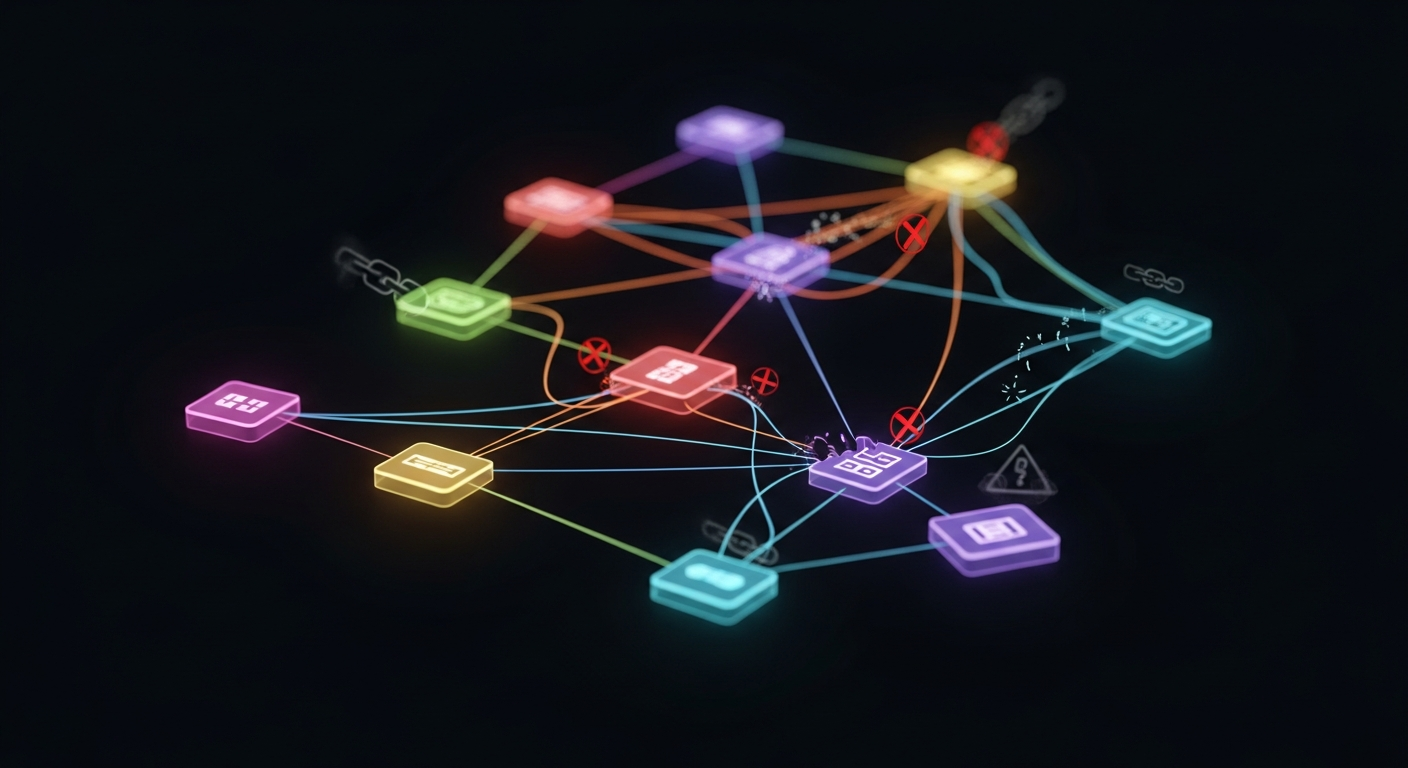
The Dream vs. The Reality: My Kubernetes Homelab Journey Begins
So, you want to run Kubernetes at home? Me too! A few months back, I was brimming with excitement, ready to conquer the world of container orchestration right from my humble homelab. I'd heard the buzz, seen the job descriptions, and knew Kubernetes was the future. How hard could it be to get a small cluster running on a couple of old NUCs, right? Oh, sweet summer child, I was so naive.
My first dive into that ocean was less like a graceful swim and more like flailing wildly while trying to stay afloat. This post is a raw, honest account of my struggles, the lessons learned, and why, despite the pain, I'd do it all over again.
The Setup: Humble Beginnings, Grand Ambitions
My initial setup was modest: two Intel NUCs running Ubuntu Server, a Proxmox VM for good measure, and a shared NAS for potential persistent storage. My goal? A simple, highly available cluster to run some self-hosted apps like a media server, a small web app, and maybe a database. I opted for kubeadm, thinking it was the 'standard' way, which meant I was in for the full Kubernetes experience – warts and all.
The Networking Labyrinth: Where Dreams Go to Die
My first major roadblock, and one that nearly made me throw my keyboard across the room, was networking. Seriously, it felt like I was trying to solve a Rubik's Cube blindfolded while someone kept spinning it. Here were my primary headaches:
• DNS Resolution Nightmares: Why couldn't Pod A talk to Pod B on a different node? Why couldn't my pods resolve external domain names reliably? It turns out, understanding coredns, service IPs, and how DNS requests propagate within the cluster is absolutely critical. I spent hours debugging `Host not found` errors, only to realize I had misconfigured my host's /etc/resolv.conf or my CNI wasn't playing nice.
• CNI Plugin Puzzles (Flannel vs. Calico): I started with Flannel because it seemed simpler, but then came the routing issues. "Why can't Pod A talk to Pod B on a different node?!" was a constant refrain. Digging into Flannel's VXLAN overlay network and how it encapsulated traffic was an eye-opener. Later, experimenting with Calico introduced me to BGP and network policies, adding another layer of complexity (and learning!). Each CNI has its own quirks, and getting them to establish proper pod-to-pod communication across nodes felt like a magic trick.
• Firewall Follies: Ubuntu's UFW (Uncomplicated Firewall) was anything but uncomplicated when it came to Kubernetes. I constantly forgot to open crucial ports (API server, kubelet, CNI-specific ports), leading to frustrating connection timeouts and mysterious failures. The official documentation's port requirements became my daily checklist.
• IP Address Management: Understanding CIDR blocks for pods, services, and nodes felt like I was relearning subnetting from scratch, but with extra layers of abstraction. Accidental IP range overlaps with my home network or even between my pod/service CIDRs led to bizarre routing issues that were incredibly hard to diagnose.
• Ingress Controllers: Getting external access to my applications was another beast. NodePorts were a start, but quickly felt clunky. Trying to set up an Ingress controller (like Nginx Ingress) involved understanding how it integrates with services, creates routes, and potentially interacts with my router's port forwarding.
Beyond Networking: YAML Hell and Resource Woes
While networking was my biggest hurdle, it wasn't my only one:
• YAML Indentation Errors: Oh, the hours lost to a single space or a misplaced dash! Kubernetes manifests are powerful, but unforgiving. I quickly learned the value of a good YAML linter.
• Resource Constraints: My humble NUCs, initially thought to be ample, quickly gasped for air. Running kubectl top nodes became a regular habit, revealing that my ambitious plans for multiple replicas and resource-hungry apps were pushing my 8GB RAM NUCs to their limits. Understanding requests and limits for pods became crucial.
• Persistent Storage Confusion: The initial thought of "where does my data go?" was quickly replaced by a deep dive into Persistent Volumes (PVs), Persistent Volume Claims (PVCs), and StorageClasses. Setting up NFS or iSCSI on my NAS and integrating it with Kubernetes was another mini-project in itself.
The 'Aha!' Moments and What I Learned
Each failure was a painful but invaluable lesson. Slowly, painstakingly, pieces started to click:
• Documentation is Your Best Friend: The official Kubernetes documentation became my bible. Reading it thoroughly, rather than just skimming, saved me countless hours.
• Start Small, Iterate: Instead of trying to deploy a complex multi-service application, I started with a single Nginx pod, then a simple service, then an Ingress. Each small victory built confidence and understanding.
• Observability is Key: Tools like kubectl logs, kubectl describe, and kubectl get events became indispensable. Learning to read and interpret these outputs was crucial for debugging.
• The Community is Amazing: Forums, Stack Overflow, and YouTube tutorials were lifesavers. Seeing how others tackled similar problems provided much-needed guidance.
• Understanding the 'Why': It's not enough to just copy-paste YAML. Understanding *why* each component exists, how it interacts with others, and its role in the cluster's overall architecture is fundamental.
The Payoff: Small Victories and Big Satisfaction
After weeks of frustration, countless re-installs, and more coffee than I care to admit, I finally got it working. A simple Nginx web server, deployed as a pod, exposed via a service, and accessible from my home network through an Ingress controller. It was a tiny victory, but the satisfaction was immense.
My homelab Kubernetes cluster is far from perfect, but it's alive. It's a testament to perseverance and the power of learning by doing. It was painful, yes, but the knowledge I gained about networking, distributed systems, and container orchestration is absolutely priceless. If you're considering diving into Kubernetes at home, be prepared for a challenge, but know that the rewards are well worth the struggle.