My Adventure with Enterprise Switches: Loud, Hot, But Oh So Worth It!
Ever wondered about bringing enterprise-grade networking into your homelab? I took the plunge, and let me tell you, it was a journey of earplugs, temperature monitoring, and a whole lot of learning. But the power and flexibility? Absolutely worth every decibel and degree.
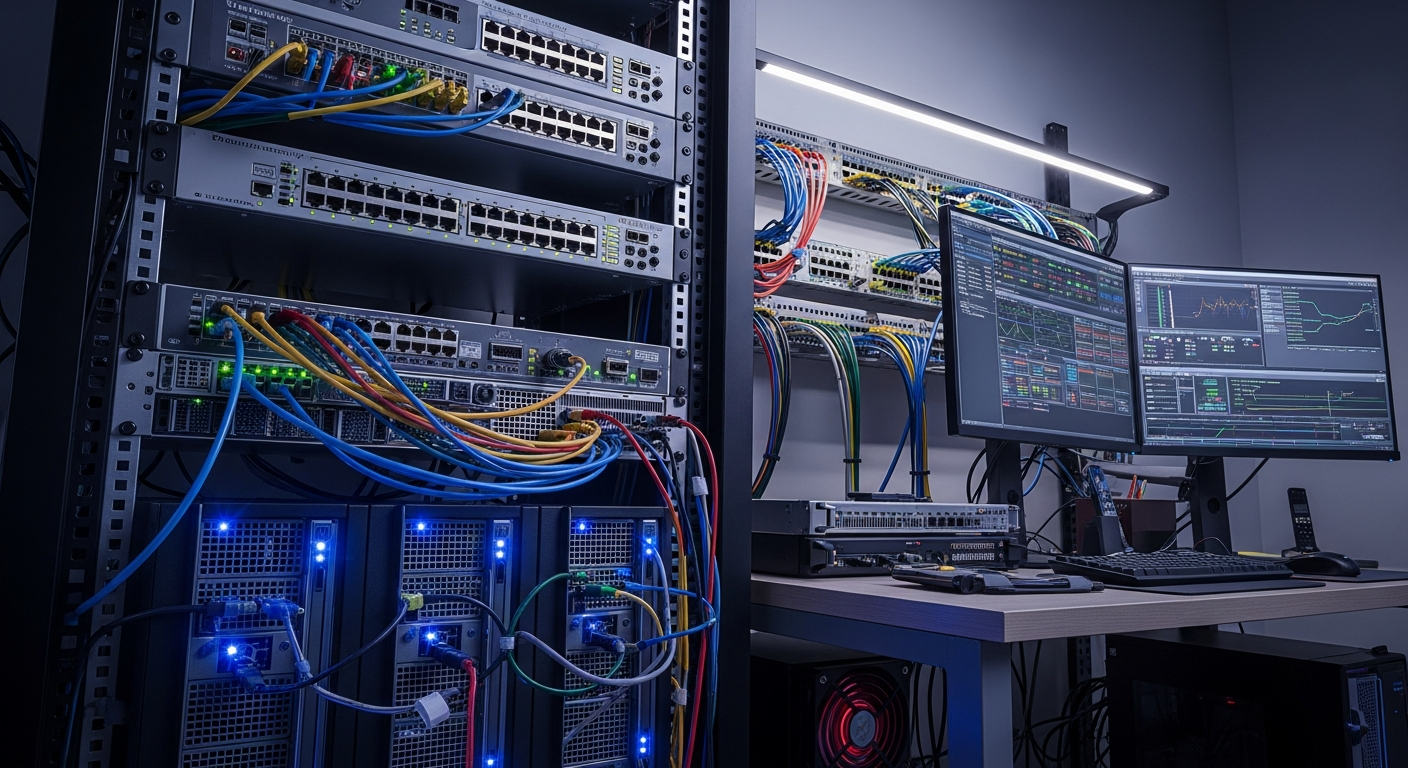
Hey fellow homelabbers and tech enthusiasts!
Today, I want to share a personal saga from my homelab – the day I decided to upgrade my network core with an enterprise switch. You know the drill: you're scrolling through forums, eyeing those amazing deals on eBay for 'lightly used' gear, and suddenly, a 48-port, Layer 3 monster with a rack-mount kit calls your name. Mine was a Cisco Catalyst, a beast of a machine, promising features I could only dream of with my consumer-grade gear. I hit 'buy now' with a mix of excitement and trepidation.
The Initial Shock: A Symphony of Fans and a Mini-Furnace
When the box arrived, I felt like a kid on Christmas morning. Unboxing it, the sheer build quality was immediately apparent. This thing was built like a tank. But then came the moment of truth: plugging it in. The instant I hit the power button, a roar erupted. It wasn't just 'loud'; it was a jet engine taking off in my office. My previous network gear was practically silent. This was a whole new ball game.
And then there was the heat. Oh, the heat! Even at idle, this switch was radiating warmth like a small space heater. My office, usually a comfortable temperature, quickly became noticeably warmer. My initial thought was, 'What have I done? This isn't going to work.' The dream of advanced VLANs and blazing LACP links was quickly being overshadowed by the prospect of hearing damage and an astronomical power bill.
Overcoming the Obstacles: From Struggle to Sweet Silence (Almost!)
Taming the Noise Beast
My first mission was noise mitigation. I quickly learned that these enterprise switches often use high-CFM (Cubic Feet per Minute) fans designed for server racks, not quiet home offices. After a lot of research, forum diving, and watching countless YouTube videos, I embarked on my first 'fan mod' adventure. This involved:
• Identifying Compatible Low-Noise Fans: Finding fans with similar dimensions and voltage, but significantly lower RPMs and noise ratings.
• The Surgical Swap: Carefully opening the switch (voiding warranties, of course!) and replacing the screaming stock fans with their quieter counterparts. This required some delicate work, as the connectors weren't always standard.
• Monitoring Thermals: Post-mod, I meticulously monitored the internal temperatures. The last thing I wanted was an overheating switch. Thankfully, with proper airflow, the new fans, while quieter, still provided adequate cooling for my homelab environment.
It wasn't perfectly silent, but the difference was night and day. My ears (and my partner) thanked me profusely.
Managing the Thermals and Power
The heat output was still a factor. I optimized its placement in my network rack, ensuring plenty of front-to-back airflow. I also invested in a smart power strip to monitor its consumption. While it definitely pulled more watts than my old gear, the efficiency gains from consolidating multiple devices and the advanced features it offered made the trade-off acceptable. It became a lesson in understanding power envelopes and thermal dissipation for network hardware.
The Reward: Unlocking True Network Power and Automation Potential
Once the physical challenges were addressed, the real fun began: diving into the software. This is where the 'worth it' really kicked in.
• VLANs for Days: I finally had proper Layer 3 capabilities, allowing me to segment my network like a pro. Guest Wi-Fi, IoT devices, my lab VMs, and sensitive storage all got their own isolated networks. This not only enhanced security but also laid a robust foundation for future automation projects, allowing me to deploy services to specific network segments automatically.
• LACP for Performance & Redundancy: My NAS now boasted a blazing-fast, redundant connection to the network thanks to Link Aggregation Control Protocol (LACP). This dramatically improved file transfer speeds and provided peace of mind for my automated backups.
• Diving into the CLI: Forget web UIs! Learning the Cisco IOS command-line interface was a steep curve, but incredibly empowering. I learned about routing protocols, QoS, ACLs, and how to script configurations. This knowledge is invaluable for anyone looking to get into network automation, as understanding the CLI is the first step towards automating network tasks via Python or Ansible.
• Monitoring and Diagnostics: The advanced diagnostic tools and SNMP capabilities meant I could monitor my network health with unprecedented detail, crucial for maintaining a stable and performant homelab, especially when things go wrong in an automated deployment.
Conclusion: A Loud, Hot, But Ultimately Rewarding Journey
My adventure with an enterprise switch was definitely a struggle initially. It pushed me out of my comfort zone, forcing me to learn about fan acoustics, thermal dynamics, and deep network configuration. But the knowledge gained, the robust network foundation I built, and the sheer power and flexibility it brought to my homelab were absolutely worth every loud fan and every degree Celsius. It transformed my network from a simple collection of devices into a finely tuned, secure, and highly capable platform ready for any automation challenge I throw at it.
If you're contemplating a similar upgrade, be prepared for some challenges, but embrace the learning. The rewards are immense!