Level Up Your Homelab: My Journey to Building a CI/CD Pipeline for Scripts and Configs
Tired of manual updates and config drift in your homelab? Join me as I share my personal adventure in setting up a CI/CD pipeline, turning my scripts and configurations into a well-oiled, automated machine. Learn from my missteps and triumphs!
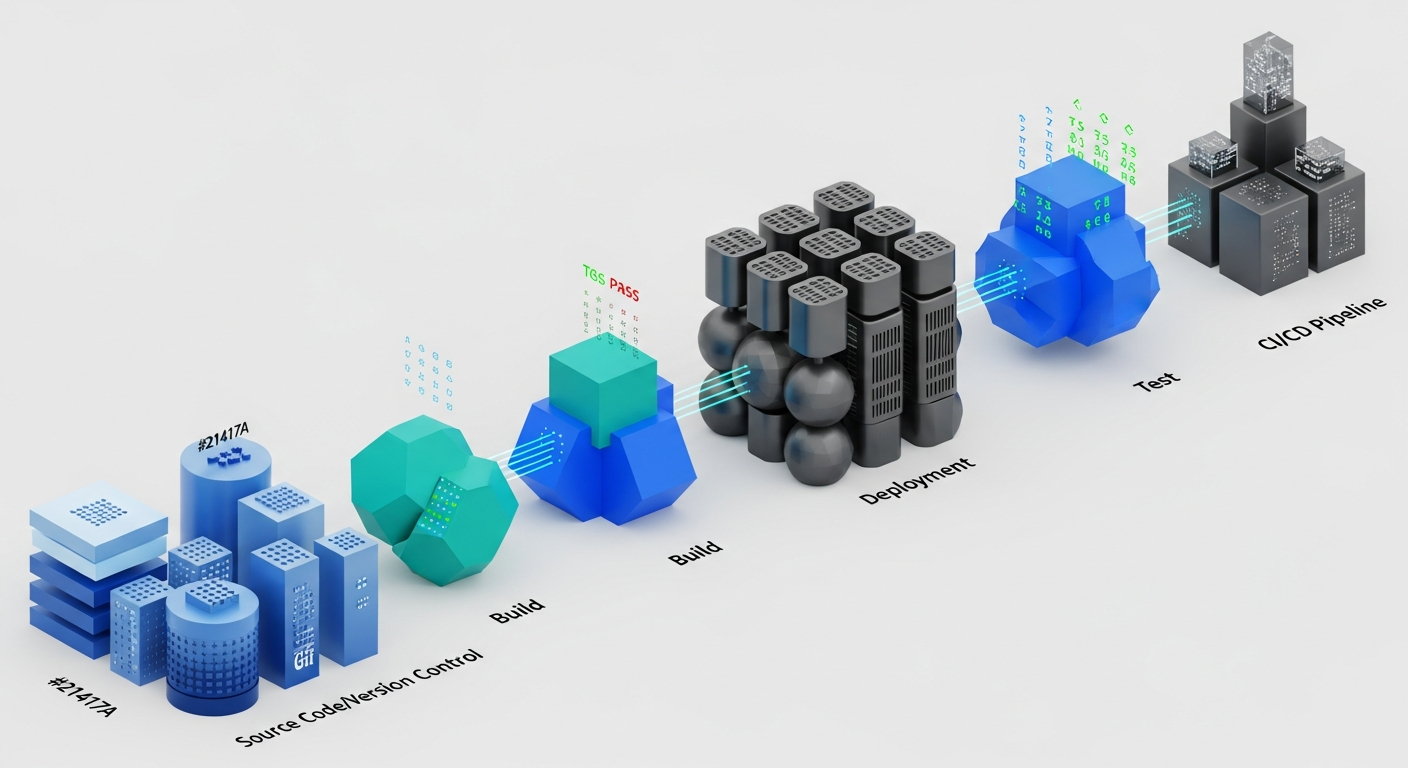
Waving Goodbye to Manual Updates: My Homelab CI/CD Adventure
Hey fellow tech enthusiasts! If you're anything like me, your homelab is a constantly evolving beast. New VMs, updated containers, a fresh script to automate a chore... it's a never-ending cycle of tinkering. For years, I managed my homelab scripts and configurations the old-fashioned way: SSHing into machines, running commands, copying files, and occasionally uttering, "Wait, did I update that server yet?" The config drift was real, and the thought of a disaster recovery scenario filled me with dread.
That's when I decided it was time to bring some enterprise-grade practices into my humble homelab: building a CI/CD pipeline for my scripts and configurations. It sounded like overkill at first, but let me tell you, it's been a game-changer!
The 'Aha!' Moment: Infrastructure as Code for My Lab
My inspiration came from the 'Infrastructure as Code' (IaC) movement. If big companies can manage their vast cloud infrastructure with code, why couldn't I manage my few VMs and containers the same way? The idea was simple: all my homelab configurations, scripts, and even service definitions would live in a Git repository. Any change to that code would trigger an automated process to validate and then deploy those changes to the relevant machines.
My Chosen Toolkit
After some research and experimentation, I settled on a stack that felt right for my needs:
• Git & GitHub: For version control and hosting my repositories. GitHub's free tier for private repos and built-in Actions made it a no-brainer.
• Ansible: My weapon of choice for configuration management. It's agentless, uses simple YAML, and is perfect for automating tasks across multiple Linux machines.
• GitHub Actions: This is where the magic happens! It's GitHub's integrated CI/CD platform, allowing me to define workflows right alongside my code.
The CI Part: Ensuring Quality from the Start
The 'Continuous Integration' (CI) phase is all about making sure my code is healthy before it even thinks about touching a production machine (or, well, a homelab machine). Here's what my CI pipeline typically does:
• Linting Ansible Playbooks: I use ansible-lint to check for syntax errors, best practices, and potential issues in my playbooks. It catches so many silly mistakes before they become headaches.
• Shell Script Syntax Checks: For my various utility scripts, I run basic syntax checks to ensure I haven't introduced any obvious errors.
• YAML Validation: Since everything is YAML (Ansible, GitHub Actions workflows), I have steps to validate the YAML structure itself.
If any of these checks fail, the pipeline stops, and I get instant feedback. This alone has saved me countless hours of debugging on live systems!
The CD Part: Automated Deployment Goodness
Once the CI checks pass, the 'Continuous Deployment' (CD) phase kicks in. This is where the automation truly shines:
• Triggering Ansible: My GitHub Actions workflow executes Ansible playbooks, targeting specific groups of servers or individual machines based on the changes made.
• Idempotency is Key: Ansible's idempotent nature means I can run the same playbook multiple times, and it will only make changes if the desired state isn't met. This is crucial for safely re-running deployments.
• Targeted Deployments: I've structured my repos so that changes to a specific playbook or script only trigger deployments to the relevant homelab services or machines.
Challenges and My Learnings (Especially Around Security!)
This journey wasn't without its bumps. Here are some of the key challenges I faced and what I learned:
1. Secure Credential Management
This was my biggest hurdle and a critical security concern. How do I let GitHub Actions (a remote service) securely access my internal homelab machines via SSH without hardcoding sensitive information?
• The Solution: GitHub Secrets. This feature allows you to store encrypted environment variables that are only exposed to specific workflows. I stored my SSH private key (generated specifically for the GitHub Actions runner and with very limited permissions) as a GitHub Secret.
• Limited Access: On my homelab machines, I added the corresponding public key to the authorized_keys file for a dedicated, non-root user. This user has sudo access only to the commands absolutely necessary for the Ansible playbooks to run.
• No Hardcoding: Never, ever hardcode sensitive information directly into your workflow files or scripts. Always use secrets management features provided by your CI/CD platform.
2. Network Access
My homelab is behind a firewall. How could GitHub Actions reach it? For simplicity, I initially focused on configurations for services that were already internet-facing (like a reverse proxy config for a public domain). For internal-only resources, I explored options like a self-hosted runner within my network or using a bastion host, but for this initial setup, focusing on secure SSH access to existing public endpoints was sufficient to prove the concept.
3. Debugging Workflow Failures
YAML indentation errors, incorrect Ansible module parameters, network timeouts... pipeline failures can be frustrating. I learned to:
• Read Logs Carefully: GitHub Actions provides detailed logs for each step.
• Break Down Workflows: Start with simple steps and add complexity gradually.
• Test Locally: Before pushing, I often run Ansible playbooks locally with --check or --diff to get a preview of changes.
The Sweet Reward: Automation and Peace of Mind
Today, when I want to update a configuration file or deploy a new script, I simply push my changes to the Git repository. GitHub Actions automatically picks it up, validates it, and deploys it to the relevant homelab machines. The consistency is incredible, and the peace of mind knowing that my homelab is always in a defined, version-controlled state is invaluable. It's like having a tiny DevOps team just for my homelab!
If you're managing a homelab, I highly encourage you to explore building your own CI/CD pipeline. It's a fantastic learning experience that brings enterprise-level efficiency and security practices right to your doorstep. Happy automating!