Learning DNS The Hard Way: When My Pi-hole Took an Unannounced Vacation
My homelab journey hit a snag when my trusty Pi-hole mysteriously stopped filtering ads and resolving domains. What started as a simple troubleshooting session turned into a deep dive into the world of DNS, revealing just how crucial every link in the chain truly is. Join me as I recount my strug...
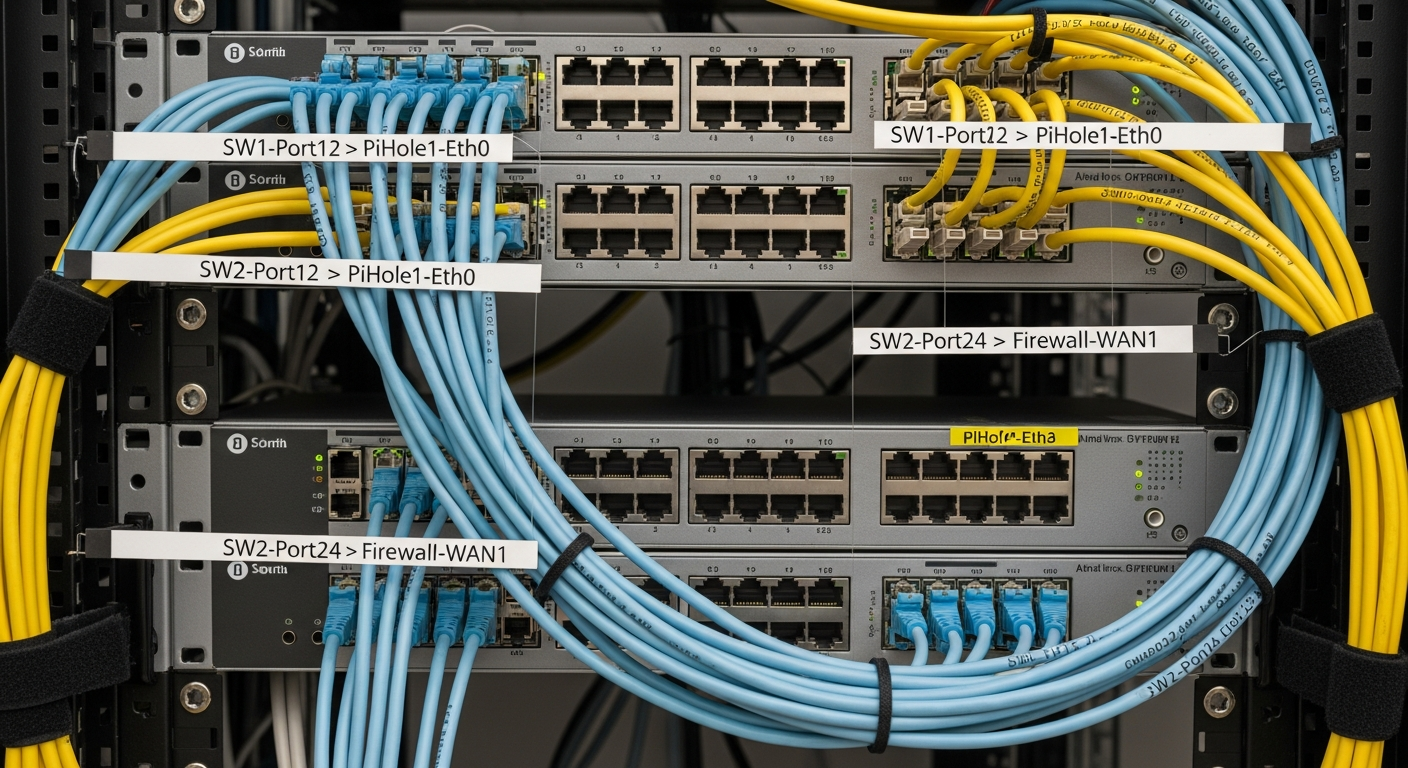
The Day My Ad-Free Utopia Crumbled
Ah, Pi-hole. For many of us in the homelab community, it's a cornerstone of a better internet experience. Blocking ads, tracking, and even malicious domains right at the network level – what's not to love? My setup had been running flawlessly for months, providing a serene, ad-free browsing paradise for everyone on my network. Until one fateful morning, that is.
I woke up, grabbed my coffee, and opened my browser. Immediately, something felt... off. Websites were loading sluggishly, and then it hit me: an ad! A big, garish banner ad staring me in the face on a site that should have been pristine. My heart sank. My beloved Pi-hole, the unsung hero of my network, had gone silent. My ad-free utopia had crumbled.
Initial Panic and Frantic Checks
My first instinct was pure panic. Was the Raspberry Pi dead? Did the SD card finally give up the ghost? I rushed to my homelab rack, half-expecting to see a blinking red light of doom. But no, the Pi was humming along, green light happily flashing. I logged into the Pi-hole admin interface – everything looked green, healthy, and operational. No errors, no warnings. The query log even showed some activity, but clearly, ads were slipping through, and some domains felt like they were taking ages to resolve.
I ran pihole -d for a debug log, scoured the output, but nothing immediately jumped out. I rebooted the Pi, rebooted my router, even rebooted my entire network switch (because, why not?). Still, the ads persisted, and the sluggishness remained. This wasn't a Pi-hole crash; it was something more insidious.
The 'Aha!' Moment: Tracing the DNS Chain
This is where the 'learning DNS the hard way' truly began. If Pi-hole itself was reporting healthy, the problem had to be *before* or *after* Pi-hole in the DNS resolution chain. I started thinking about how DNS requests actually flow:
Client (my laptop) asks for a website. Client sends the request to its configured DNS server. That DNS server (hopefully Pi-hole) either has the answer, blocks it, or forwards it. Pi-hole forwards allowed requests to its own Upstream DNS Server (e.g., Cloudflare, Google DNS). Upstream DNS Server resolves the domain and sends the IP back. The IP eventually makes it back to the Client.
Link 1: My Router's Role
My first major 'aha!' moment came when I logged into my router. For Pi-hole to work, my router needs to tell all connected devices to use Pi-hole as their primary DNS server. To my horror, I found that my router's DHCP settings, which dictate the DNS servers handed out to clients, had somehow reverted! Instead of pointing to my Pi-hole's static IP (192.168.1.10, for example), it was back to using my ISP's default DNS servers. This explained *everything* – my clients weren't even talking to Pi-hole anymore!
I quickly corrected the router's DNS settings, pointing them squarely back to my Pi-hole's IP address. A quick ipconfig /flushdns on my PC and a reconnect to the Wi-Fi on my phone, and boom! Ads vanished, and browsing speed returned to normal. Relief washed over me.
Link 2: Pi-hole's Upstream DNS
But my learning wasn't over. A few days later, I noticed occasional slowdowns again, though ads were still blocked. This time, I knew the router was correctly pointing to Pi-hole. The issue had to be further down the chain – Pi-hole's connection to its *own* upstream DNS servers.
I started using tools like dig and nslookup directly from my Pi-hole:
• dig google.com @1.1.1.1 (to test Cloudflare DNS)
• dig google.com @8.8.8.8 (to test Google DNS)
I found that one of my chosen upstream DNS providers was experiencing some intermittent latency. Pi-hole, by default, would try to use it, causing delays. A quick trip to the Pi-hole web interface, under Settings > DNS, allowed me to deselect the problematic upstream server and select a more reliable alternative (or add another one for redundancy). This fine-tuning made a noticeable difference in overall responsiveness.
Key Takeaways and Hard-Earned Wisdom
This whole ordeal, while frustrating, was an invaluable learning experience. Here’s what I truly hammered home:
• DNS is the Internet's Phonebook: Without it, nothing works. Understanding its journey from your device to the final IP address is critical.
• The Full Resolution Chain Matters: It's not just about Pi-hole; it's about your client's DNS settings, your router's DHCP settings, and Pi-hole's upstream DNS settings. Every link must be strong.
• Always Check Your Router: Router settings can revert due to firmware updates, power outages, or even mischievous family members. It's often the first place to look when network-wide issues occur.
• Diagnostic Tools are Your Friends: dig, nslookup, and even Pi-hole's own query log are powerful tools for pinpointing where a DNS request is failing or getting delayed.
• Redundancy is King: Having multiple reliable upstream DNS servers configured in Pi-hole provides a fallback if one experiences issues.
Conclusion: A Smarter Homelabber
What started as a morning of frustration ended with a much deeper understanding of how my home network truly functions. My Pi-hole is back to its glorious ad-blocking self, and I now approach network troubleshooting with a more structured, knowledgeable mindset. So, if your Pi-hole ever seems to take an unannounced vacation, remember to trace the DNS chain – you might just learn something profound along the way!